

TravelShield
TPM2 LUKS travel mode manager. Toggles TPM auto-unlock on LUKS-encrypted root filesystems so your passphrase is required at boot while traveling. 🛡️
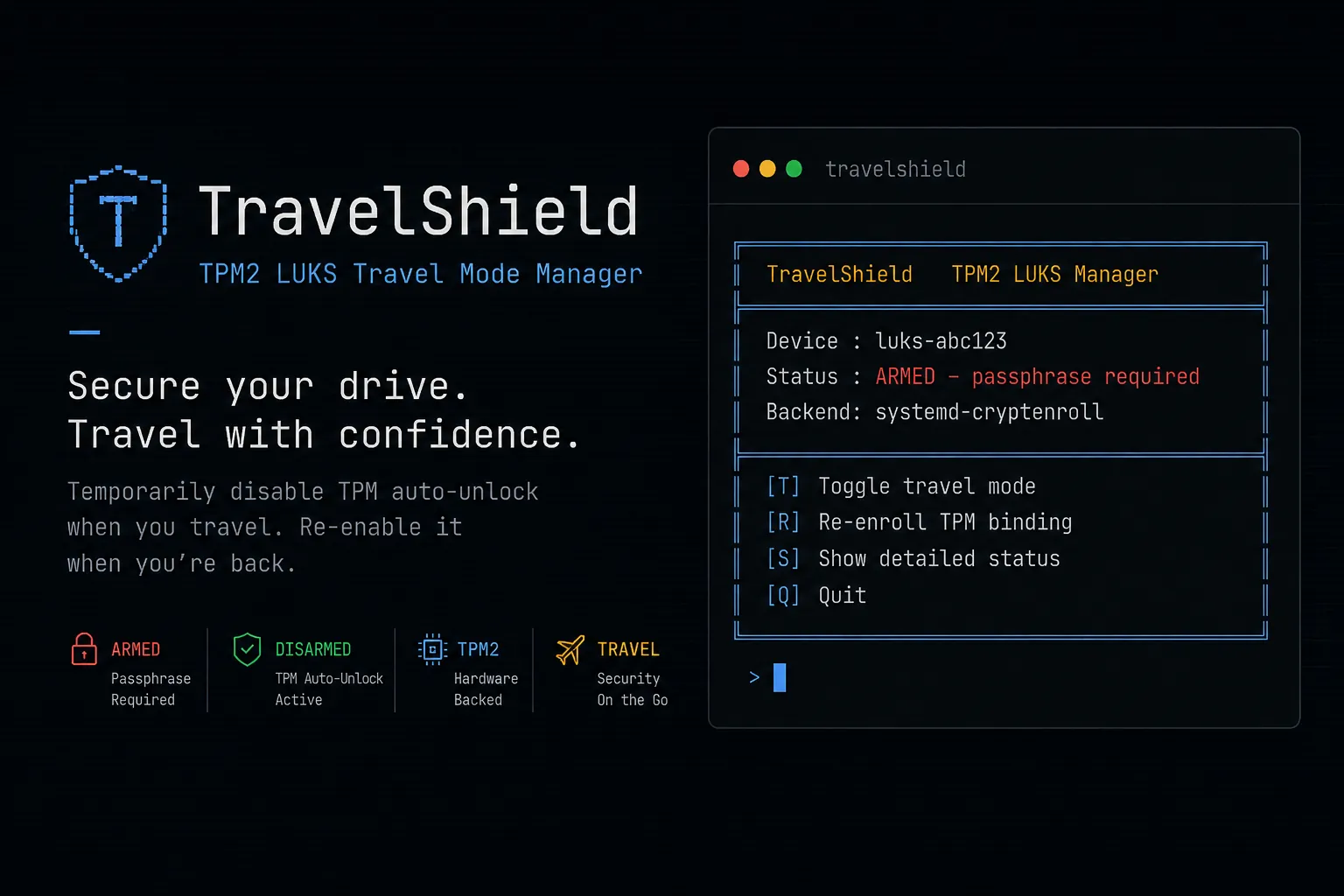
The Story
Ever had that TPM2 auto-unlock convenience suddenly feel like a security risk when you're about to travel? Crossing a border, leaving your laptop in a hotel room, attending a conference. That same hands-free boot turns into a liability the moment you step out the door. I wanted a quick way to toggle it off and back on without remembering complex commands. So I built TravelShield, a simple bash script that does one thing.
What Makes It Special
One keystroke to arm or disarm. When it's armed, the TPM slot gets wiped and only your LUKS passphrase can open the disk. When you're back home, one tap and auto-unlock is restored. No Enter key needed, no flags to remember, just a retro terminal menu that tells you exactly what's going on. It works on any distro too. 🛡️
The Technical Craft
Core Features
- 🔴 Travel Mode Toggle: Switch between passphrase-only and TPM auto-unlock
- 🔍 PCR7 Fingerprinting: Detects stale bindings after a firmware update
- 🎯 Dual Backend: Supports
systemd-cryptenrollandclevis-luks - 📦 Homebrew Tap: Installable via Linuxbrew
- 🖥️ Distro-Agnostic: Auto-discovers your LUKS device, no config needed
- 🔄 Initramfs Reminder: Tells you the exact rebuild command for your distro
The Secret Sauce
- Single bash script, no dependencies beyond what ships with every distro
- Function pointers to swap between
systemdandclevisbackends - Single-key input with
read -n 1for instant feedback - Three-layer device discovery using
lsblk,findmnt, andblkid - PCR7 state stored in
/var/lib/travelshield/pcr7.sha256 - Safety checks to prevent locking a mounted device accidentally
Behind the Scenes
I built this because I actually needed it for my own laptop. It's released under The Unlicense because security tools should be free and open. The retro terminal style keeps things simple and readable. State is a plain text file you can inspect whenever you want.
Getting Started
brew tap Okazakee/travelshield
brew install travelshield
sudo travelshield
Or grab it directly:
curl -O https://raw.githubusercontent.com/Okazakee/homebrew-travelshield/main/travelshield.sh
chmod +x travelshield.sh
sudo ./travelshield.sh